- 7300 Broadway Denver, CO 80221
-
Monday – Friday: 7:00AM – 6:00PM | SAT: 8:00AM – 5:00PM | SUN: Closed
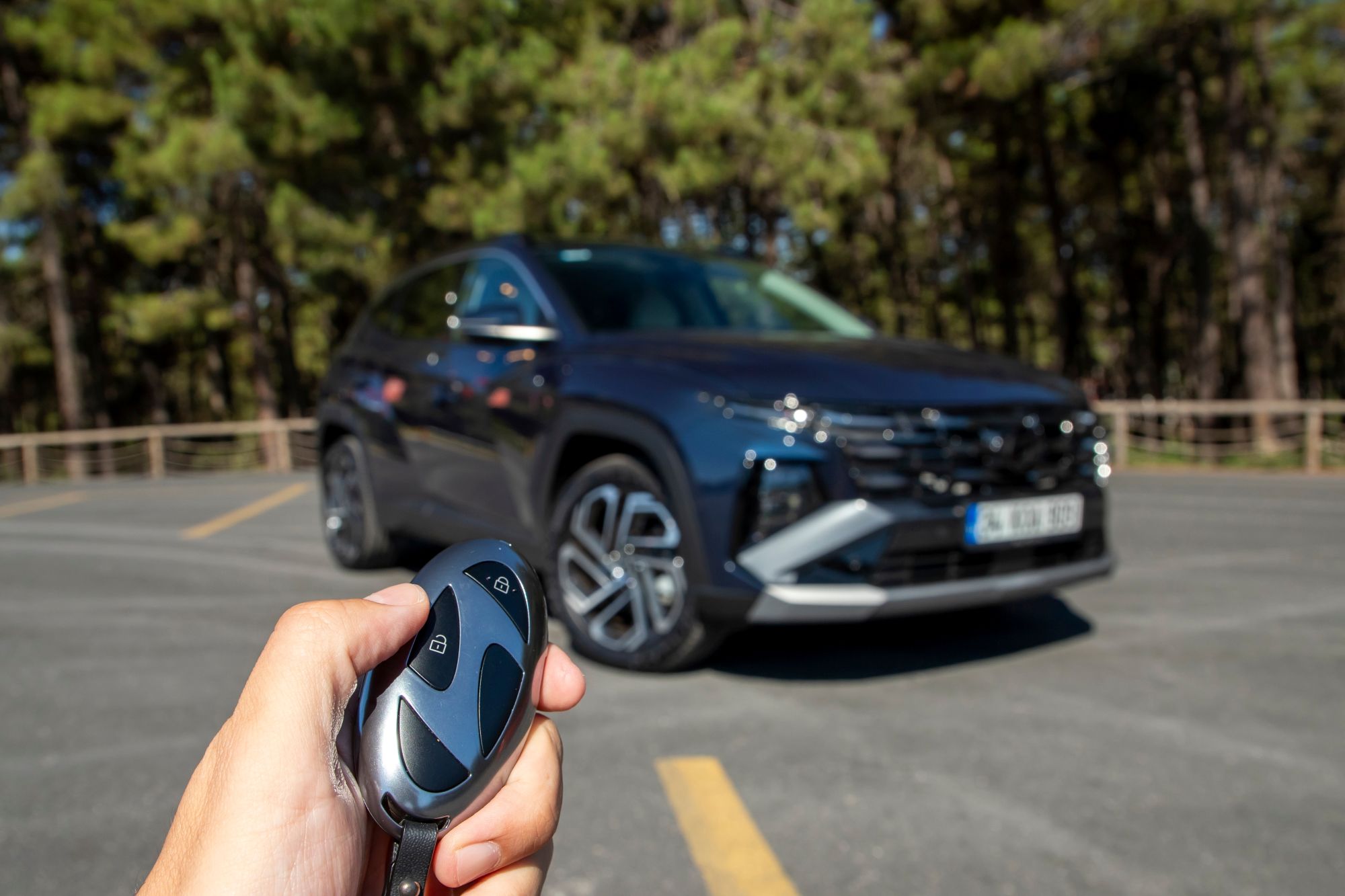
It’s the end of a day at a ski area or trailhead off I-70, and your Hyundai key fob won’t unlock the doors. Pressing the button again changes nothing, and the drive back to Denver is still ahead of you.
A weak fob battery is one thing that can cause this, and a Hyundai key fob battery replacement is a job you can do yourself. Other problems produce the same symptoms, so find out which one you have before you buy a battery.
You can replace a Hyundai key fob battery yourself. If your fob has a mechanical key, remove it first, then open the back cover with a slim tool, swap in a new battery of the same type, and close the cover. Your owner’s manual lists the battery type and shows where to open the cover for your model.
Some Hyundai models show a low key battery warning on the dash. If yours does, that’s the signal to replace the battery. On a car without that warning, the sign is a fob that has stopped locking, unlocking, or starting the car the way it used to, and a new battery is the first thing to try.
Open the driver’s door with the mechanical key, which is stored in the fob, and then use your model’s backup method to start the engine.
How you start the car differs by model. On some Hyundais you press the Engine Start/Stop button with the fob itself. On others you place the fob in a smart key slot first and then press the button. Your manual shows which one your car uses, how to hold the fob, and how to release the mechanical key.
If you head up I-70 often, read those sections of the manual once so you know them before you need them.
The right battery depends on your model and model year. Hyundai owner’s manuals call for a CR2032 in some cars and a CR2450 in others, so a battery that fits one Hyundai may not be the right one for another.
Read the number on the old battery, or look in the smart key section of your owner’s manual, and buy the same number.
You need a slim tool and the right battery.
The battery replacement steps in Hyundai owner’s manuals end when the cover goes back on, with no programming step. If you lose a fob, the manual says to take the car and your remaining key to an authorized Hyundai dealer.
It can be either. A discharged car battery is one of the conditions that can keep a smart key from working, so a good fob can seem dead when the car’s battery is the weak one.
| What you notice | What it can suggest | Best next step |
|---|---|---|
| The fob works less reliably, or the dash shows a low key battery warning. | The fob battery is running low. | Replace the fob battery with the type your manual lists. |
| The engine cranks slowly, the headlights look dim, you hear clicking when you start it, or warning lights come on. | The car’s battery or charging system may be the problem. | Have the battery tested to find out whether the battery or the charging system is at fault. |
| You installed a new fob battery and the fob still doesn’t work. | The battery may be facing the wrong way, or the fob may be damaged. | Check the battery position against the old one. If the fob still doesn’t work, contact us. |
If the second row sounds familiar, we test the car’s battery as part of our battery testing and replacement service.
We can test the car’s battery, since a weak one can make a good fob seem dead. Our Hyundai-certified technicians use diagnostic equipment, and battery testing typically includes a load test, a voltage check, and a charging system inspection.
When you schedule with Mountain Hyundai Service Center, tell us your car’s model year and what the fob is doing. Contact us if a new battery doesn’t fix the fob, if the fob has been damaged, or if you’d rather not open it yourself. If you’d like a technician’s answer before you book, send your question through Ask a Tech.